Make flashcards
with AI.
Paste notes, a topic, or a photo of the page. Stephen AI builds a deck you flip in the app.
From notes to a deck
you can flip.
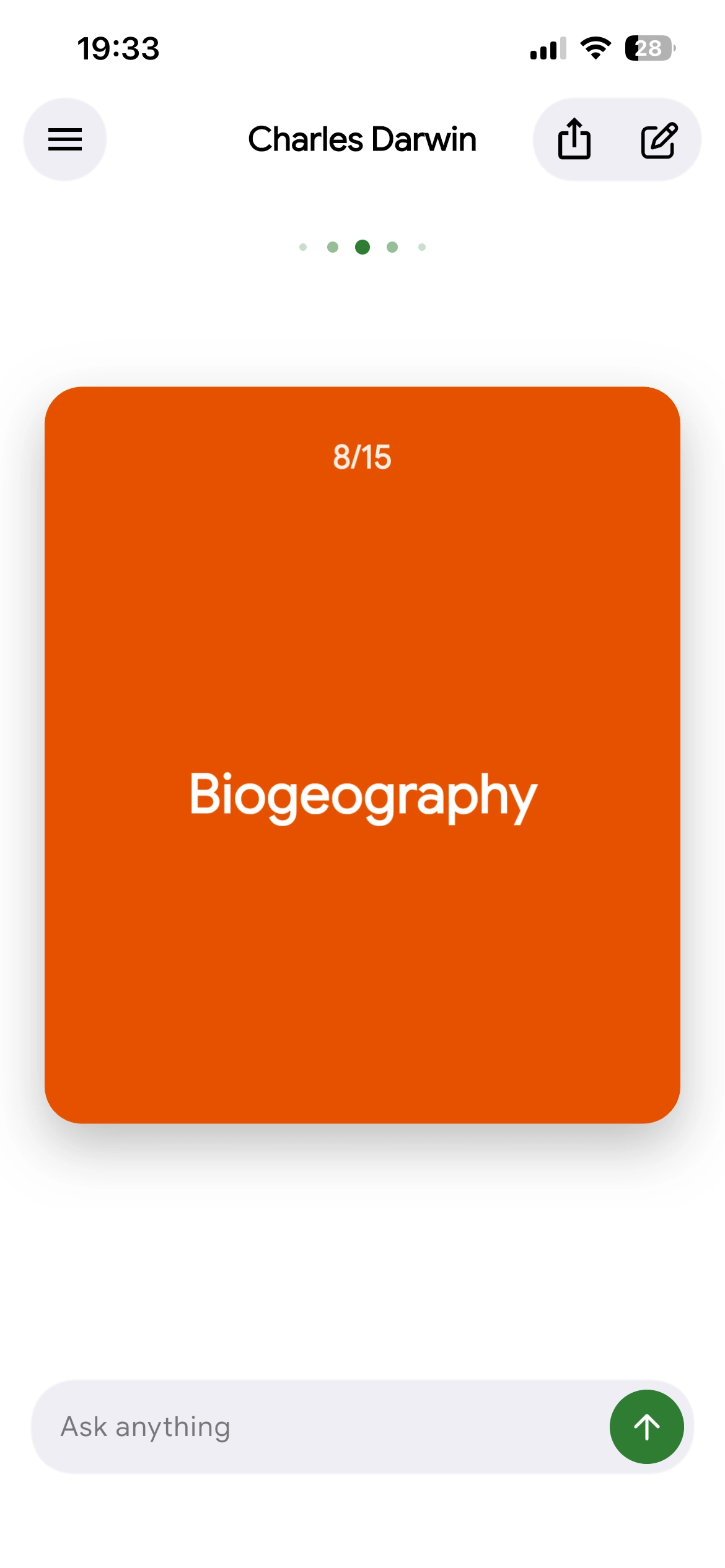
An AI flashcard maker turns the material you already have into question-and-answer cards. You spend the time retrieving, not typing fronts and backs.
Paste your notes
Drop in a lecture outline, a chapter summary, or a topic you need to lock in. The generator finds definitions, cause-and-effect, and terms worth testing — one idea per card, not a paragraph on both sides.
Snap a page
Photograph handwritten notes, a textbook spread, or a printed study guide. Stephen AI is the tutor on that page: it drafts the cards you flip. That is an AI flashcard maker from a photo, not a dead screenshot.
Retrieve until it sticks
See the front. Say the back. Then check. That is the study — AI flashcards only help if you retrieve, not reread. Flip a small set often, and use the same deck as exam prep the night before a test.
Questions,
clearly answered.
What is the best free flashcard maker?
The best free flashcard maker is the one that turns your own notes into cards you will actually flip — not a giant shared deck you never open. Generate a small set from a topic, pasted notes, or a photo, then retrieve out loud. Stephen AI is a tutor on those cards: you can ask about one when the back is not enough.
Can AI make flashcards from my notes?
Yes. Paste lecture notes, a textbook passage, or a short topic. The generator pulls testable ideas — terms, definitions, cause-and-effect — and writes question-and-answer cards. Edit anything that is off. One idea per card. Stephen AI is the tutor that drafts that deck from your notes and lets you flip it.
How do I make flashcards from a photo or PDF?
Photograph handwritten notes, a textbook page, or a printed study guide, or attach a PDF. The generator reads the page and drafts fronts and backs so you do not retype every term. Check the cards against the source before you drill — a model can miss a word. Stephen AI is the tutor on that photo or file.
Do flashcards actually help you study?
Yes, when you use them for active recall: see the front, say the back out loud, then check. That retrieval is what sticks, not rereading the chapter. Keep one idea per card. Flip a small deck often instead of building hundreds of cards you never open.
Should I make my own flashcards or use AI?
Making cards by hand forces you to decide what matters. An AI flashcard generator saves the typing when you already have notes or a photo of the page. The strong workflow is hybrid: let it draft the deck, then delete filler, fix wording, and add the facts your teacher stressed.
Is there a flashcard maker app for iPhone and Android?
Yes. Anki, Quizlet, and others run on both. What matters is whether you can make cards from your notes and flip them on the phone. Stephen AI is a tutor on iPhone and Android: generate from notes or a photo, flip the deck, and ask about a card when the back is not enough.
How does an AI flashcard generator work?
You give it source material — a topic, pasted notes, or a photo. It finds terms, definitions, and relationships, then formats them as fronts and backs. You still edit and retrieve. In Stephen AI you flip those cards and can ask a follow-up on any one.
Is it okay to use AI flashcards for homework and exams?
Use them to study your own material, not to skip the work your school expects. Cards from your notes are a retrieval tool. Follow your academic integrity policy: do not memorize an answer key for a closed-book exam, and do not submit generated answers as your own.