Make a quiz
with AI.
Paste notes, a PDF, or a photo of the page. Stephen AI writes a quiz you take in the app.
From notes to a quiz
you can take.
An AI quiz generator turns the material you already have into questions you answer. You spend the time retrieving, not writing stems and distractors.
Paste your notes
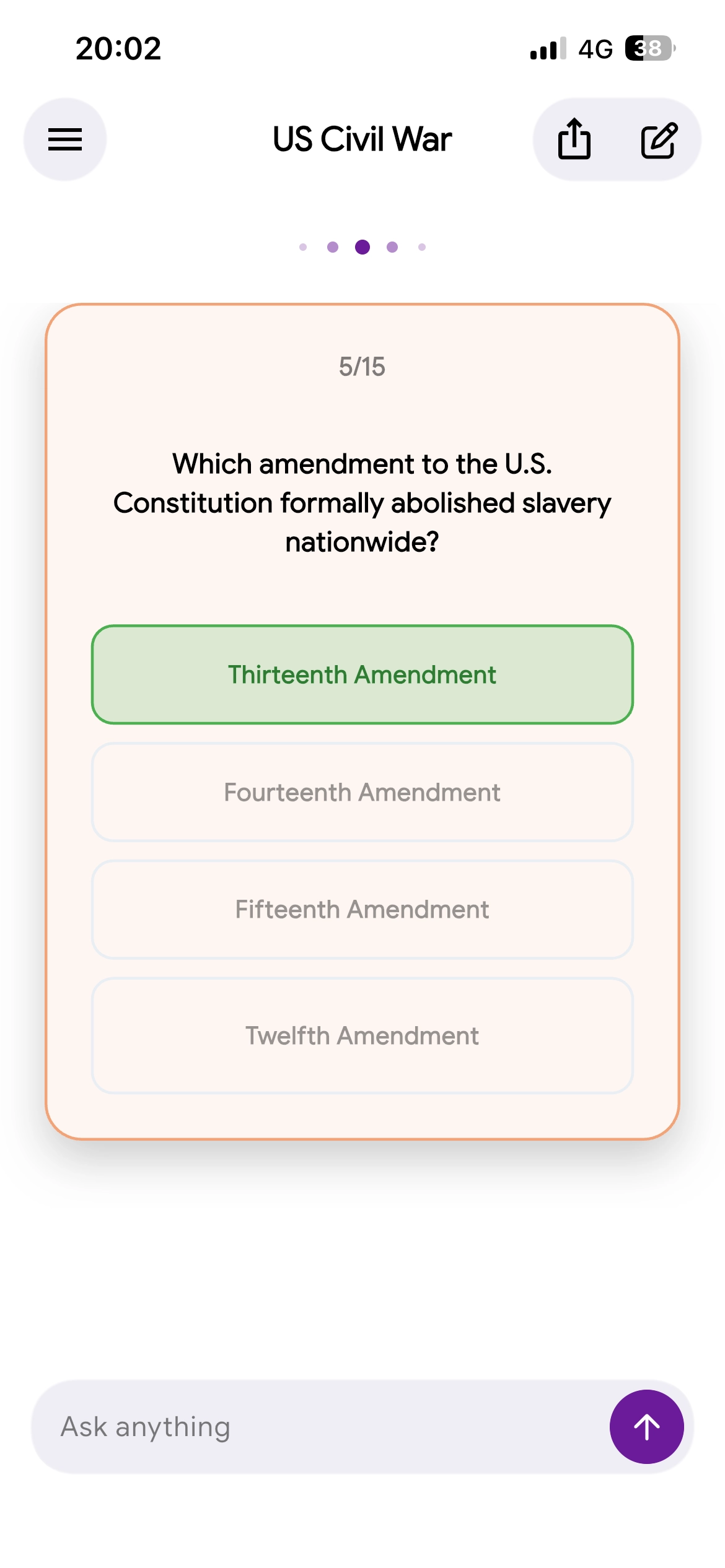
Drop in a lecture outline, a chapter summary, or a topic you need to lock in. The generator finds what is testable and writes multiple-choice items from it — a stem, a right answer, and wrong answers that look tempting. Not a generic trivia bank.
Drop a PDF or snap a page
Attach a lecture PDF, a slide deck, or a photo of handwritten notes. Stephen AI is the tutor on that page: it drafts questions you answer. That is an AI quiz generator from a file, not another unread download.
Take it until it sticks
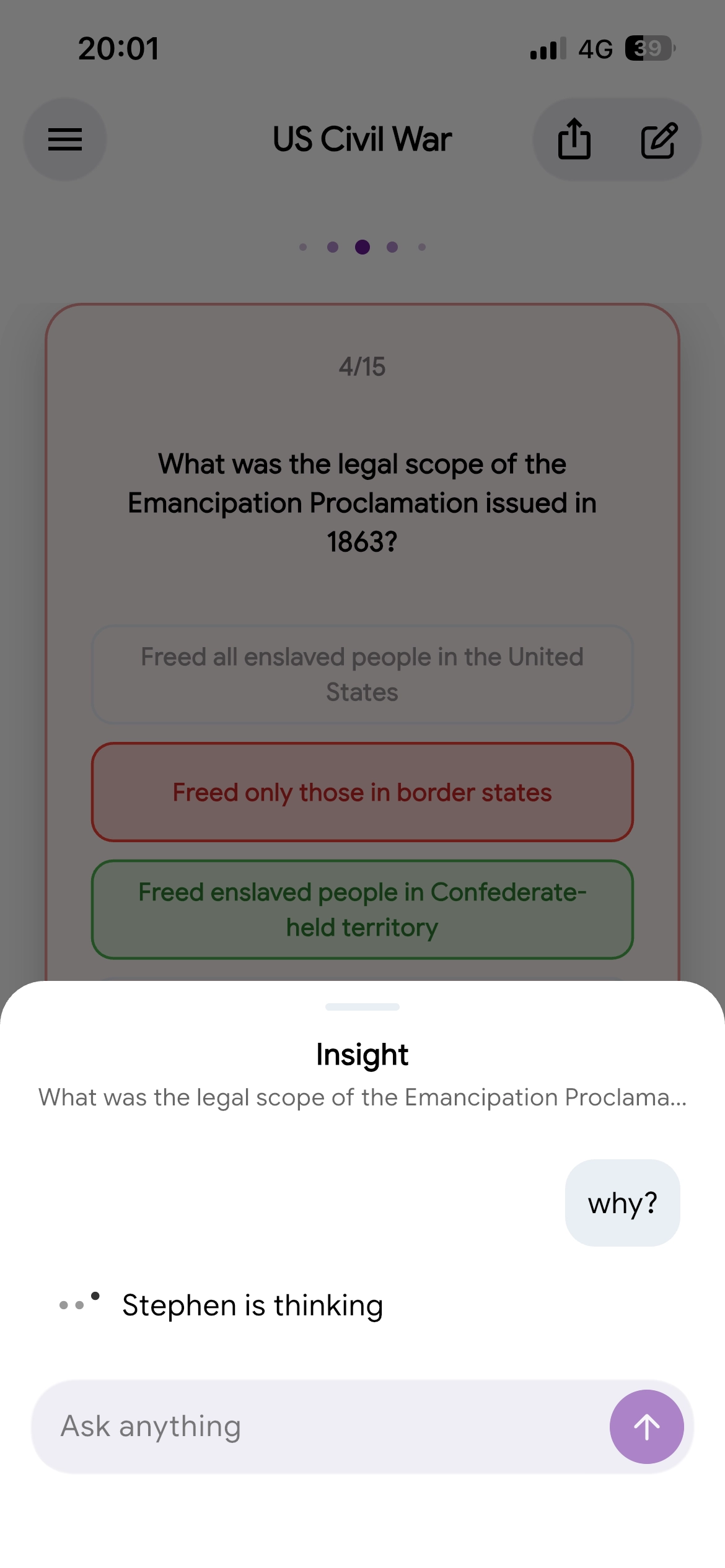
Pick an answer. See if it holds. Miss one, then ask why. That retrieval is the study — AI quizzes from notes only help if you retrieve. Pair a missed term with an AI flashcard maker, and use the same quiz as exam prep the night before a test.
Questions,
clearly answered.
Is there a free AI quiz generator?
Yes. A free AI quiz generator turns your own notes, a PDF, or a photo of the page into questions you answer — not a generic trivia bank. Take a short set, miss one, then check why. Stephen AI is a tutor on that quiz, with a free plan to start.
Can I make a quiz from my notes?
Yes. Paste lecture notes, a textbook passage, or a short topic. The generator pulls what is testable and writes multiple-choice questions from your material. Edit anything that is off before you drill. Stephen AI is the tutor that drafts that quiz and lets you take it.
Can I generate a quiz from a PDF?
Yes. Attach a lecture PDF, textbook chapter, or slide deck. The generator reads the file and drafts multiple-choice questions from the testable ideas. Check a couple of items against the source — a model can miss a heading. Then retrieve.
Can I generate a quiz from a photo of my notes?
Yes. Photograph handwritten notes, a textbook page, or a printed study guide. The generator reads the page and writes questions from what is on it, so you do not retype every term. Check the transcription, then take the quiz.
What question types can an AI quiz generator create?
Stephen AI writes multiple-choice questions from your notes, a PDF, or a photo: a stem, a right answer, and plausible wrong answers. Mix items to match the unit, not a trivia style. You answer, then you can ask why a choice is right or wrong.
How does an AI quiz generator work?
You give it source material — a topic, pasted notes, a PDF, or a photo. It finds key ideas, writes a stem, and builds wrong answers that look tempting. You still retrieve: pick, check, ask why. In Stephen AI you take that quiz and can follow up on any item.
Does quizzing yourself help you study?
Yes. Answering a question from memory — retrieval practice — sticks better than rereading the chapter. Keep the quiz on your own notes. Miss one, check why, then try a similar item. A short set you finish beats a long bank you never open.
Is it okay to use an AI quiz generator for homework and exams?
Use it to study your own material, not to skip the work your school expects. A practice quiz from your notes is a retrieval tool. Follow your academic integrity policy: do not memorize an answer key for a closed-book exam, and do not submit generated answers as your own.